
none
Compliance
Compliance
CRM
Data
Guide
Operations
Security
Tips
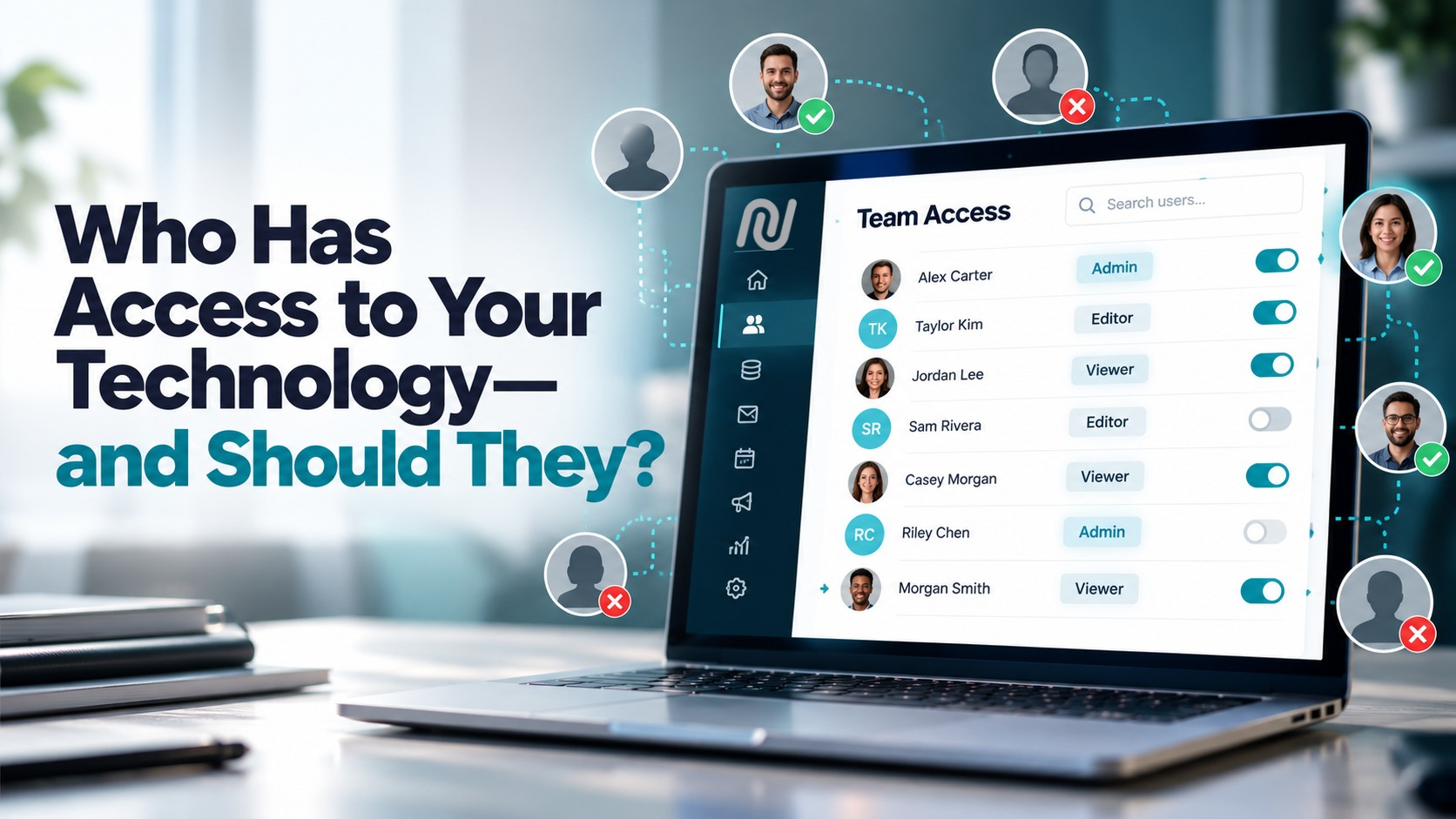
Who Has Access to Your Technology—and Should They?
October 19, 2026
Your organization probably knows who works there.
But do you know exactly who has access to your technology?
That list can be surprisingly different.
Former employees. Contractors. Agencies. Volunteers. Vendors. Consultants. People who changed roles six months ago but still have the permissions they needed in their old job.
Access tends to accumulate quietly. Someone needs access to get something done, so they're added to a platform. Their responsibilities change, the project ends, or they leave—and unless someone actively goes back and reviews those permissions, that access can remain.
That's why one of the simplest questions an organization can ask is also one of the most important:
Who has access to what—and do they still need it?
Access is easy to give. It's harder to keep track of.
Think about how many systems your organization relies on.
Your CRM. Email. Website. Events. Fundraising. Forms. Data. Reporting. File storage. Social accounts. Advertising platforms. Integrations.
Now think about how many people have needed access to those systems over the last year.
Every new employee, campaign staffer, consultant, agency partner, volunteer, or vendor can add another account and another set of permissions to manage.
The problem isn't necessarily giving people access. They need it to do their jobs.
The risk comes when nobody is responsible for reviewing that access later.
Four places access can get messy
1. Employee transitions
When someone leaves an organization, disabling their email account isn't necessarily enough.
They may have separate credentials for your CRM, website, email platform, event system, advertising accounts, data tools, or other technology.
Offboarding should include a clear review of every platform the person could access—not just the systems someone happens to remember.
The same applies when an employee changes roles. Someone who moves from fundraising to communications may no longer need the same permissions they had before.
Good access management isn't only about who works for you. It's about what their current role requires.
2. Too many administrators
Administrator access is convenient.
It's also powerful.
When everyone is an administrator, everyone may be able to change settings, manage users, export information, modify integrations, or perform other high-impact actions.
Most people don't need unrestricted access to do their jobs.
A better approach is simple: give people the access they need to perform their responsibilities—and nothing more.
That limits unnecessary exposure while also making your systems easier to manage.
3. Shared credentials
One username. One password. Five people using it.
It may feel easier, but shared accounts make accountability much harder.
If something changes, who changed it? If the password is shared with a contractor, who remembers to change it when the project ends? If credentials are compromised, how many people and workflows are affected?
Whenever possible, team members should have individual accounts with permissions appropriate to their roles.
That creates clearer ownership and makes access much easier to add, change, and remove.
4. Access that never gets reviewed
Access shouldn't be a "set it and forget it" decision.
Organizations change constantly. People leave. Vendors change. Campaigns end. Projects wrap. Responsibilities shift.
A permission that made perfect sense six months ago might make no sense today.
Regular access reviews give your team a chance to ask:
Does this person still need an account?
Does their current role require this level of access?
Are former employees or contractors still listed?
Are there integrations or third parties that no longer need access?
Who currently has administrator-level permissions?
You don't need to wait for a security problem to ask those questions.
Internal controls matter, too
Managing access isn't only about preventing someone from logging into a system.
It's also about controlling what happens once they're there.
Some actions carry more risk than others. Sending an email to your entire list, changing critical settings, exporting data, publishing content, or modifying important workflows shouldn't necessarily have the same controls as everyday tasks.
That's where permissions and approval processes become important.
A strong digital operation creates appropriate checks around high-impact actions while still allowing teams to work efficiently.
For example, Nucleus Email Approvals can add review and accountability directly into outbound communications. Teams can establish approver groups and determine whether approval requires everyone, a majority, or a single authorized reviewer.
That doesn't slow down communication for the sake of adding another step.
It helps make sure the right people are involved when the stakes are higher.
Make access reviews part of your routine
You don't need an elaborate security program to improve access management.
Start by answering a few basic questions:
- Who currently has access to each critical platform?
- Which users have administrator or elevated permissions?
- Are any former employees, contractors, vendors, or agencies still active?
- Are people using individual accounts rather than shared credentials?
- Do permissions reflect each person's current responsibilities?
- Do you have a consistent process for granting and removing access?
- Are sensitive or high-impact actions protected by appropriate controls?
If some of those answers are difficult to find, that's useful information in itself.
Visibility is the first step toward better control.
The goal isn't more restrictions. It's better access.
Good access management doesn't mean locking everything down until nobody can get their job done.
It's about being intentional.
The right people should be able to access the right tools, data, and capabilities when they need them. And when they no longer need that access, removing it should be just as straightforward as granting it.
That becomes easier when your organization has fewer disconnected systems to manage.
Nucleus brings CRM, communications, events, digital experiences, engagement, data, and other critical organizational functions together in one connected platform. With user permissions, approval workflows, audit logs, and centralized platform controls, teams can create greater visibility into the technology powering their work.
So, who has access to your technology?
If you can't answer that confidently today, now is a good time to find out.
See how Nucleus can help your organization create stronger internal controls and a more connected digital operation.
Compliance
Data
Support
Your Data. Your Rules.
August 4, 2026
Your data powers every decision you make. The question is—who really controls it?
Every campaign, nonprofit, advocacy organization, and association depends on data. Supporter records, donor histories, volunteer activity, event registrations, fundraising performance, voter universes—it's the engine behind every email sent, event hosted, and dollar raised.
But as organizations adopt more cloud-based technology, an important question often gets overlooked:
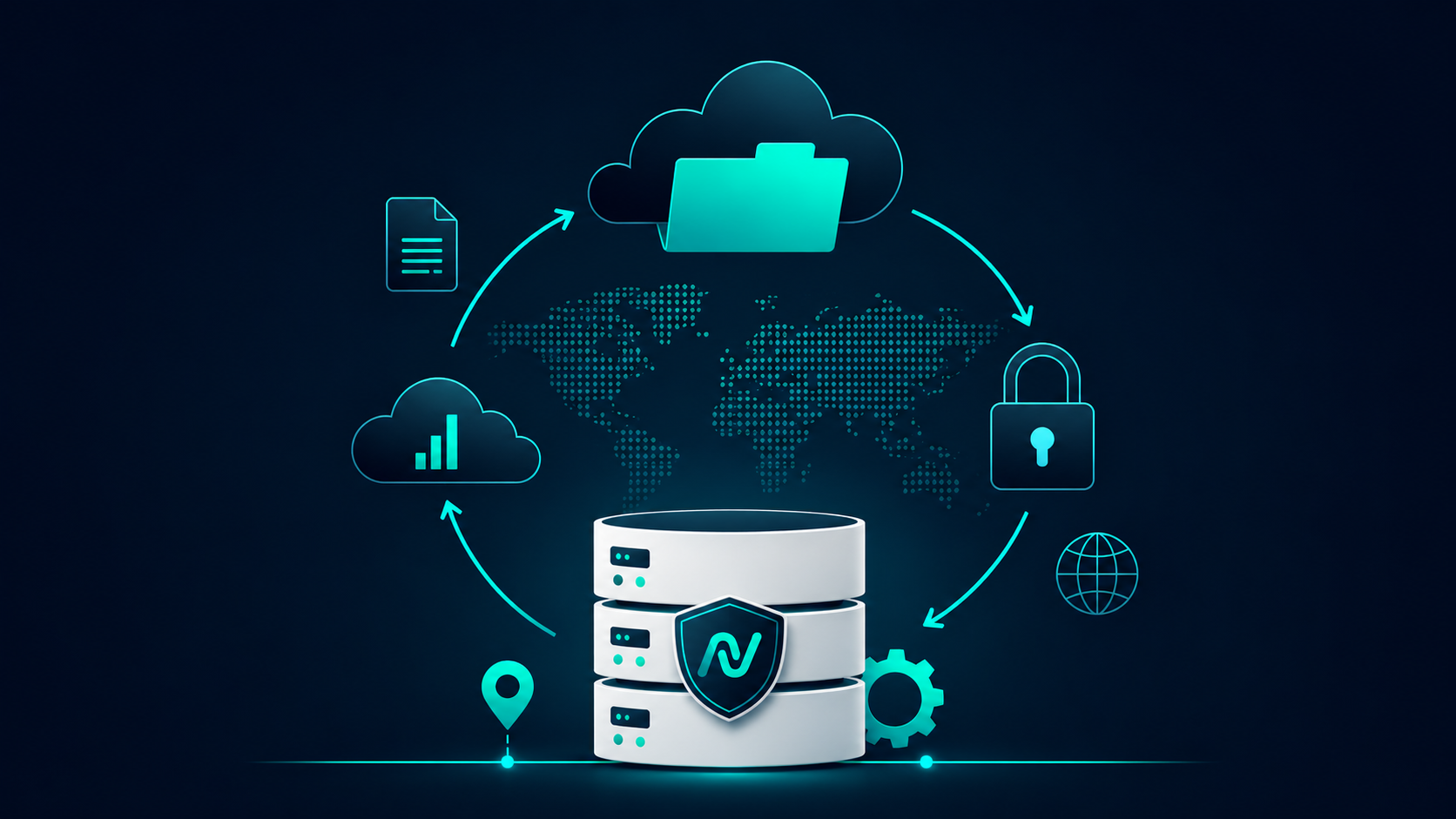
Where does your data actually live—and who controls it?
That's where data sovereignty comes in.
What Is Data Sovereignty?
Data sovereignty refers to the idea that digital information is governed by the laws and regulations of the country where it is stored.
In other words...
It's not just about where your data is hosted.
It's about:
- Who has legal jurisdiction over it
- Who can access it
- How it's protected
- How it's transferred
- How long it's retained
- Whether you truly own it
For organizations handling sensitive constituent information, these questions matter.
Data Ownership vs. Data Sovereignty
These terms often get lumped together, but they're different.
Data Ownership
- Your organization owns its supporter data.
- You control how it's used.
- You decide who has access.
Data Sovereignty
- Determines which country's laws apply to that data.
- Impacts compliance requirements.
- Affects privacy protections.
- Influences how data can be accessed or transferred.
Both are essential.
Why It Matters for Campaigns
Campaigns move fast.
Data flows between websites, CRMs, fundraising platforms, texting tools, email providers, analytics platforms, and countless integrations.
Without realizing it, organizations often have supporter information scattered across multiple vendors.
That creates unnecessary risk.
Questions every organization should ask include:
- Where is our supporter data stored?
- Can we export our data at any time?
- Who has administrative access?
- How is our data encrypted?
- What happens if we leave the platform?
- Does the platform use our data to train AI models?
- How are backups handled?
- What security certifications are in place?
These aren't technical questions.
They're organizational questions.
AI Makes Data Governance Even More Important
Artificial intelligence is transforming campaigns.
From smarter audience segmentation to AI-generated content and predictive analytics, organizations are embracing tools that make teams more productive.
But AI also raises new questions.
Before using any AI-powered platform, organizations should understand:
- What information is being processed?
- Is customer data used to train public AI models?
- Are prompts stored?
- Can sensitive information be excluded?
- What governance controls exist?
Responsible AI starts with responsible data management.
Building Trust Through Transparency
Technology should never feel like a black box.
Organizations deserve to know:
- How their information is protected.
- Where it's stored.
- Who can access it.
- How it's secured.
- What happens if they decide to leave.
Transparency builds trust.
Trust builds long-term partnerships.
What to Look for in a Technology Partner
When evaluating any campaign technology platform, ask whether they provide:
- Secure cloud infrastructure
- Role-based permissions
- Audit logging
- Encryption in transit and at rest
- Data export capabilities
- Backup and disaster recovery processes
- Clearly documented security practices
- Transparent AI governance
- Compliance with relevant privacy standards
A technology partner shouldn't just help you communicate better.
They should help you protect the data that makes every communication possible.
The Nucleus Approach
At Nucleus, we believe your data should remain exactly that—your data.
Our platform is built with security, transparency, and organizational control at its foundation. Whether you're managing millions of supporter records, launching nationwide advocacy campaigns, coordinating volunteers, or running fundraising initiatives, protecting your information isn't an afterthought—it's part of the platform.
As organizations continue embracing AI and connected technologies, data sovereignty will only become more important.
Because smarter technology should never come at the expense of trust.
SEO Title
What Is Data Sovereignty? Why It Matters for Campaigns and Advocacy Organizations
Meta Description
Learn what data sovereignty means, why it matters for campaigns, nonprofits, and advocacy organizations, and how to evaluate technology partners that prioritize security, transparency, and control.
Your Data Deserves a Platform Built Around You
See how Nucleus gives your organization the tools to manage supporter data, communications, fundraising, events, and more—all within one secure, connected platform.
Take a personalized tour and discover how Nucleus can help your team work smarter while maintaining control of the data that powers your mission.

Agency
Compliance
Emails
NEW One-Click Unsubscribe Feature!
July 18, 2024
Taking your unsubscribe to the next level
By Julia, Deliverability Expert
At Campaign Nucleus, we make it a point to never force industry-recommendations on to you while creating and sending your emails. We previously discussed the legal importance of including an unsubscribe link in every email we send. Since then, we have improved our system and now offer an optional one-click unsubscribe feature that you may choose to implement.
I’m sure you are wondering: What is the difference between this feature and the unsubscribe link we already use?
Well… currently, when a recipient clicks the unsubscribe link, they are redirected to a page where they may enter their email and they will be immediately unsubscribed. In the case of a one-click unsubscribe, a user may click the link and will be immediately unsubscribed without being redirected to another page to do so.
While this is not an industry standard or policy, it is highly recommended. This is dominantly because it is a simpler route of unsubscribing which ensures people who intended to be unsubscribed do so properly. In some cases of a double-opted unsubscribe link, some users may accidentally remain subscribed, and this can lead to an increase in user complaints which can affect your domain and IP reputation.
For instructions on how to enable this feature in your tenant, please visit your Nucleus Resource Library!
OR
To experience these features yourself, click here!

Compliance
Emails
The Right to Unsubscribe: A liberty not mentioned in the Constitution
April 25, 2024
By Julia, Deliverability Expert
I bet you didn’t know this but the Unsubscribe button (that we strongly encourage placing in all of your email campaigns) is actually a blessing.
“But why would I want to allow people the option to remove themselves from my subscription list,” you ask?
Well, in the simplest terms, when it comes to your recipient list, you should focus you attention to: QUALITY > QUANTITY!
Let’s dive into the WHY a bit…
- We are legally required to give people the option to remove their email from our recipients list & if/when done, we are required to accommodate the request.
The requirements and penalties of this law are further elaborated on in the
CAN-SPAM Act, which is enforces by the Federal Trade Commission.
- “Harassing” uninterested parties often leads to an increase in spam complaints to email server providers (which often leads to blocks and issues with deliverability)
In short, continuing to email people who wish to be unsubscribed can actually
cause you to have issues emailing those who DO wish to receive your content.
- It is a waste of your time & money
The ultimate point of sending an email should be to achieve a goal – whether it
be to acquire support or a donation, you are trying to accomplish something with
our message. If someone definitely does not support our mission, by not
giving them the option to unsubscribe, you are wasting your efforts
by continuing to contact them. In addition, sending emails costs money –
so we are wasting that, too.
I hope the above information was able to help you better rationalize the need for an unsubscribe link in any and all emails that you send. It can be frustrating to encounter a recipient that does not consider your cause as valuable as you and your other subscribers do, but by removing them from your list, you are actually benefitting your movement even more.
For more information regarding the unsubscribe link and how it benefits your email campaigns, be sure to contact our team for a training or insight.