
none
CRM
Compliance
CRM
Data
Guide
Operations
Security
Tips
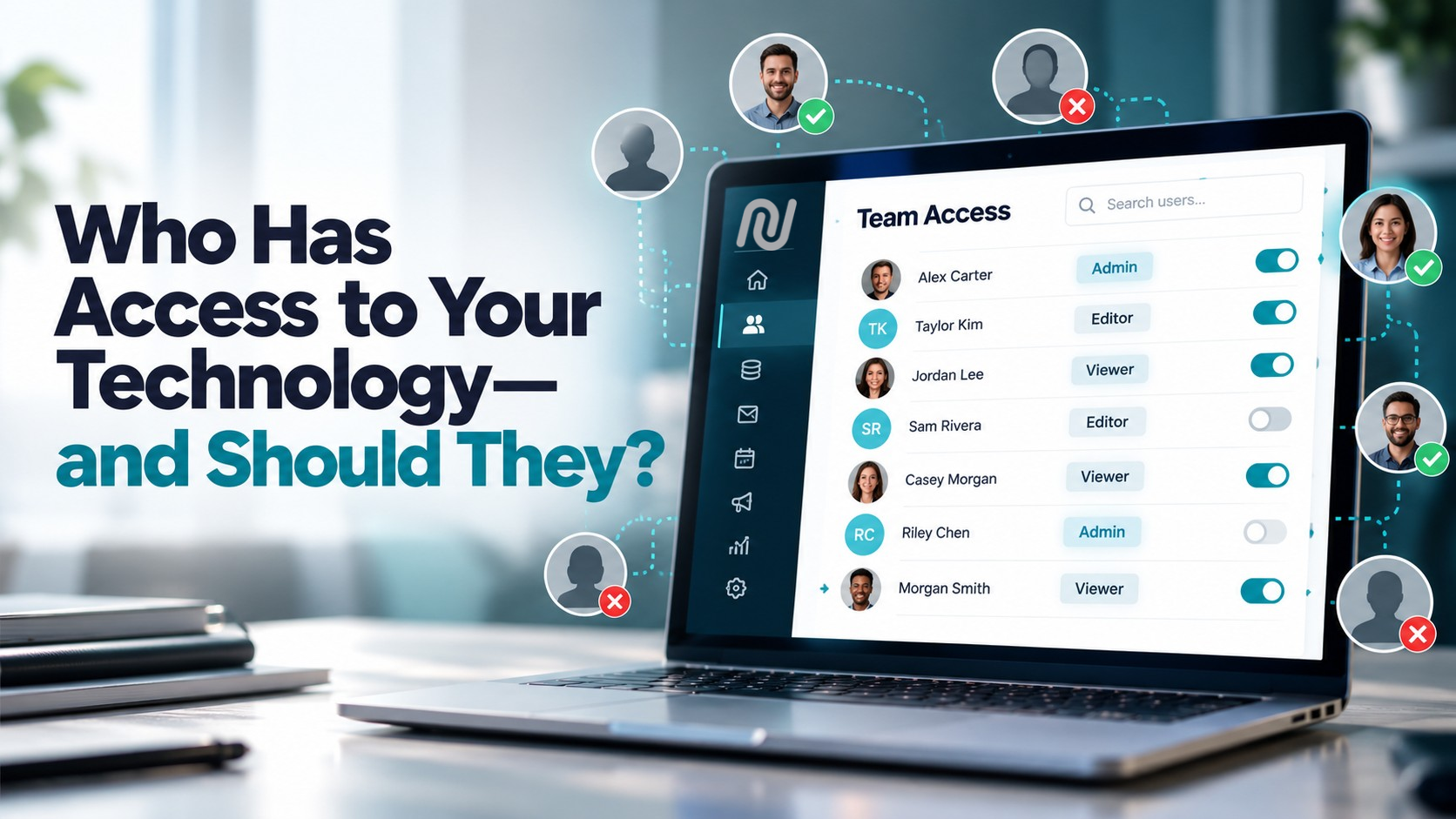
Who Has Access to Your Technology—and Should They?
October 19, 2026
Your organization probably knows who works there.
But do you know exactly who has access to your technology?
That list can be surprisingly different.
Former employees. Contractors. Agencies. Volunteers. Vendors. Consultants. People who changed roles six months ago but still have the permissions they needed in their old job.
Access tends to accumulate quietly. Someone needs access to get something done, so they're added to a platform. Their responsibilities change, the project ends, or they leave—and unless someone actively goes back and reviews those permissions, that access can remain.
That's why one of the simplest questions an organization can ask is also one of the most important:
Who has access to what—and do they still need it?
Access is easy to give. It's harder to keep track of.
Think about how many systems your organization relies on.
Your CRM. Email. Website. Events. Fundraising. Forms. Data. Reporting. File storage. Social accounts. Advertising platforms. Integrations.
Now think about how many people have needed access to those systems over the last year.
Every new employee, campaign staffer, consultant, agency partner, volunteer, or vendor can add another account and another set of permissions to manage.
The problem isn't necessarily giving people access. They need it to do their jobs.
The risk comes when nobody is responsible for reviewing that access later.
Four places access can get messy
1. Employee transitions
When someone leaves an organization, disabling their email account isn't necessarily enough.
They may have separate credentials for your CRM, website, email platform, event system, advertising accounts, data tools, or other technology.
Offboarding should include a clear review of every platform the person could access—not just the systems someone happens to remember.
The same applies when an employee changes roles. Someone who moves from fundraising to communications may no longer need the same permissions they had before.
Good access management isn't only about who works for you. It's about what their current role requires.
2. Too many administrators
Administrator access is convenient.
It's also powerful.
When everyone is an administrator, everyone may be able to change settings, manage users, export information, modify integrations, or perform other high-impact actions.
Most people don't need unrestricted access to do their jobs.
A better approach is simple: give people the access they need to perform their responsibilities—and nothing more.
That limits unnecessary exposure while also making your systems easier to manage.
3. Shared credentials
One username. One password. Five people using it.
It may feel easier, but shared accounts make accountability much harder.
If something changes, who changed it? If the password is shared with a contractor, who remembers to change it when the project ends? If credentials are compromised, how many people and workflows are affected?
Whenever possible, team members should have individual accounts with permissions appropriate to their roles.
That creates clearer ownership and makes access much easier to add, change, and remove.
4. Access that never gets reviewed
Access shouldn't be a "set it and forget it" decision.
Organizations change constantly. People leave. Vendors change. Campaigns end. Projects wrap. Responsibilities shift.
A permission that made perfect sense six months ago might make no sense today.
Regular access reviews give your team a chance to ask:
Does this person still need an account?
Does their current role require this level of access?
Are former employees or contractors still listed?
Are there integrations or third parties that no longer need access?
Who currently has administrator-level permissions?
You don't need to wait for a security problem to ask those questions.
Internal controls matter, too
Managing access isn't only about preventing someone from logging into a system.
It's also about controlling what happens once they're there.
Some actions carry more risk than others. Sending an email to your entire list, changing critical settings, exporting data, publishing content, or modifying important workflows shouldn't necessarily have the same controls as everyday tasks.
That's where permissions and approval processes become important.
A strong digital operation creates appropriate checks around high-impact actions while still allowing teams to work efficiently.
For example, Nucleus Email Approvals can add review and accountability directly into outbound communications. Teams can establish approver groups and determine whether approval requires everyone, a majority, or a single authorized reviewer.
That doesn't slow down communication for the sake of adding another step.
It helps make sure the right people are involved when the stakes are higher.
Make access reviews part of your routine
You don't need an elaborate security program to improve access management.
Start by answering a few basic questions:
- Who currently has access to each critical platform?
- Which users have administrator or elevated permissions?
- Are any former employees, contractors, vendors, or agencies still active?
- Are people using individual accounts rather than shared credentials?
- Do permissions reflect each person's current responsibilities?
- Do you have a consistent process for granting and removing access?
- Are sensitive or high-impact actions protected by appropriate controls?
If some of those answers are difficult to find, that's useful information in itself.
Visibility is the first step toward better control.
The goal isn't more restrictions. It's better access.
Good access management doesn't mean locking everything down until nobody can get their job done.
It's about being intentional.
The right people should be able to access the right tools, data, and capabilities when they need them. And when they no longer need that access, removing it should be just as straightforward as granting it.
That becomes easier when your organization has fewer disconnected systems to manage.
Nucleus brings CRM, communications, events, digital experiences, engagement, data, and other critical organizational functions together in one connected platform. With user permissions, approval workflows, audit logs, and centralized platform controls, teams can create greater visibility into the technology powering their work.
So, who has access to your technology?
If you can't answer that confidently today, now is a good time to find out.
See how Nucleus can help your organization create stronger internal controls and a more connected digital operation.
CRM
Memberships
Operations
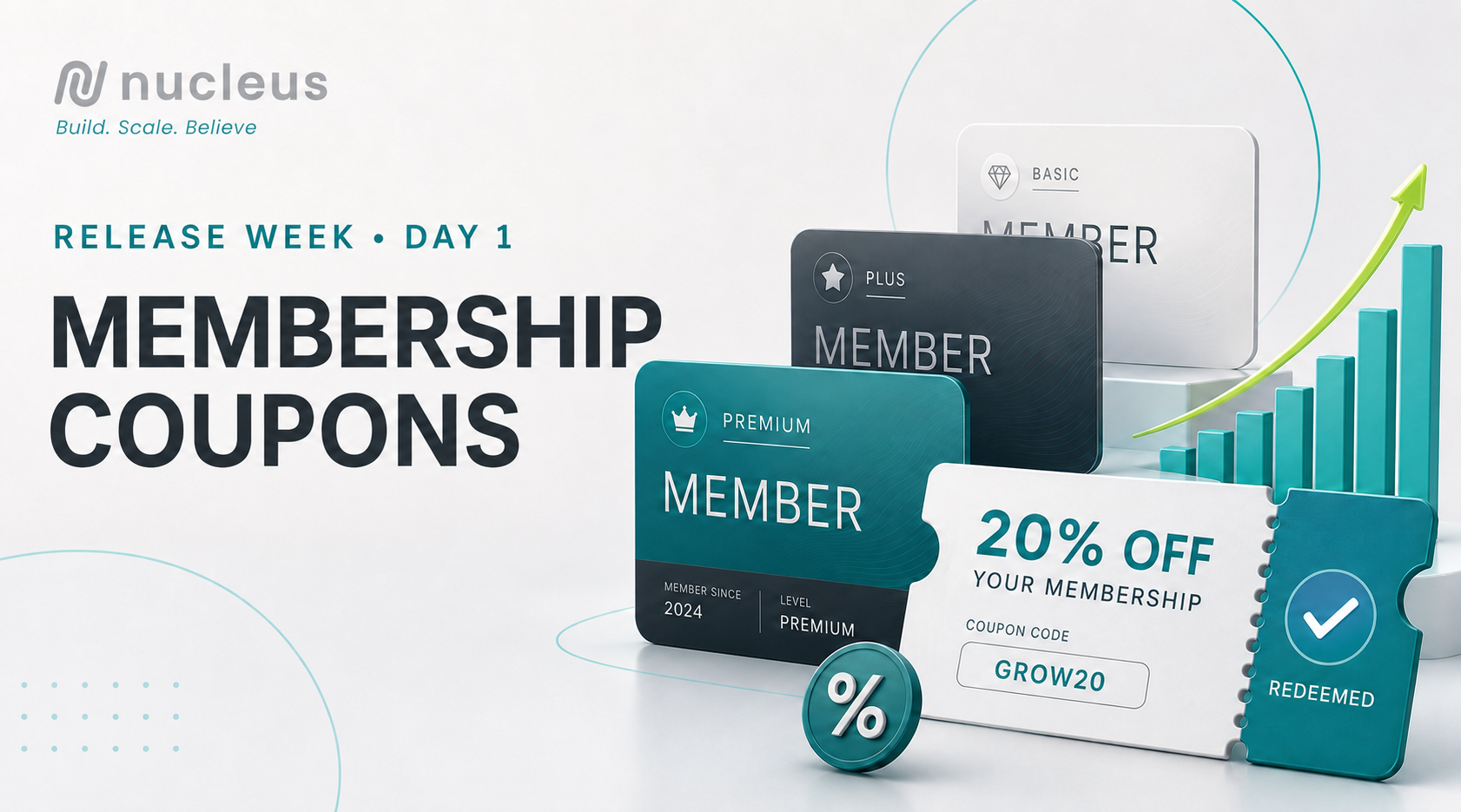
Turn Membership Offers Into Measurable Growth With Membership Coupons
August 31, 2026
DAY 1: Membership Coupons | Release week
Create targeted discounts, launch stronger acquisition and win-back campaigns, and see exactly how each offer performs. A compelling membership offer can turn interest into action—but only when it is easy to create, easy for supporters to use, and easy for your team to measure.
That is why we are kicking off Release Week with Membership Coupons, a new way to build and track promotional offers directly inside Nucleus Memberships. Whether you are recruiting new members, bringing back lapsed supporters, or creating an exclusive offer for a chapter or partner, you can now manage the full promotion from one place.
Create the right offer for the moment
Membership Coupons gives your organization the flexibility to build promotions around the goals of each campaign. Create a percentage discount, take a fixed dollar amount off, or offer a free trial for eligible Stripe-backed membership tiers.
For recurring memberships processed through Stripe, you can also decide how long the discount lasts: once for the first billing period, forever, or for a custom number of months. That makes it possible to run offers such as “25% off your first three months” without manually adjusting a member’s account later.
Target offers without losing control
Not every promotion needs to apply to every membership. Coupons can be limited to specific tiers or made available across all eligible tiers. You can also set an expiration date, cap total redemptions, and limit how many times one person can use a code.
These controls make Membership Coupons useful for more than broad public promotions. Create a chapter-specific recruitment code, send a private win-back offer to former members, or give an affiliate a trackable code without allowing unlimited reuse.
See the impact without building another report
A promotion is only valuable if you know what it produced. The Membership Coupons dashboard tracks redemptions, redemption rate, total savings, coupon performance by type and tier, and member-level activity.
Instead of exporting coupon data and piecing together a spreadsheet, your team can see which offers are being used and how much value they are delivering directly in Nucleus.
Built for the way your memberships run
Membership Coupons works with Stripe, WinRed, and Anedot-backed membership tiers. Available discount behavior varies by payment processor: free trials and advanced recurring durations are supported through Stripe, and non-Stripe gateways maintain a $1 minimum charge after a discount.
That means you can build promotions confidently while Nucleus keeps each offer aligned with the capabilities of the connected payment gateway.
Put your next membership campaign in motion
Membership Coupons brings promotion setup, redemption controls, and performance reporting into the same membership workflow. The result is a faster path from campaign idea to measurable membership growth.
Membership Coupons arrives August 31 as Day 1 of Nucleus Release Week.
Open Memberships and visit Coupons to start building your first offer!